Why would someone want to do this?
Login can be a challenging process for many users and having the admin provide additional details can be very handy to point folks in the right direction. Also, being able to include your own branding isn’t just a nice jazzy thing but can be a security requirement for some teams to help provide another layer of protection via visual indicators.
Background
A customer requested that this page be made clearer: https://docs.posit.co/ide/server-pro/admin/authenticating_users/customizing_signin.html
They were confused that an example wasn’t built for them at the called out location /opt/config/rstudio-login.html.
This support article has some useful examples that are useful: https://support.posit.co/hc/en-us/articles/231327847-Customizing-the-Posit-Workbench-RStudio-Server-Pro-Login-Page
There are also some templates in this folder that might be useful to reference: /usr/lib/rstudio-server/www/templates/encrypted-sign-in.html
Plain html
For this particular customer request I’ve been working on their goal is to modify that actual contents of the login information pane. Here is some (hopefully) useful exploration -
Modifying the config /etc/rstudio/rserver.conf with:
auth-login-page-html=/etc/rstudio/login.htmlAnd then creating that file /etc/rstudio/login.html with contents like:
<!DOCTYPE html>
<html>
<head>
</head>
<body>
    <h1>Requesting access</h1>
    <p>In order to get access to this software a ticket will need to be submitted through IT.</p>
</body>
</html>
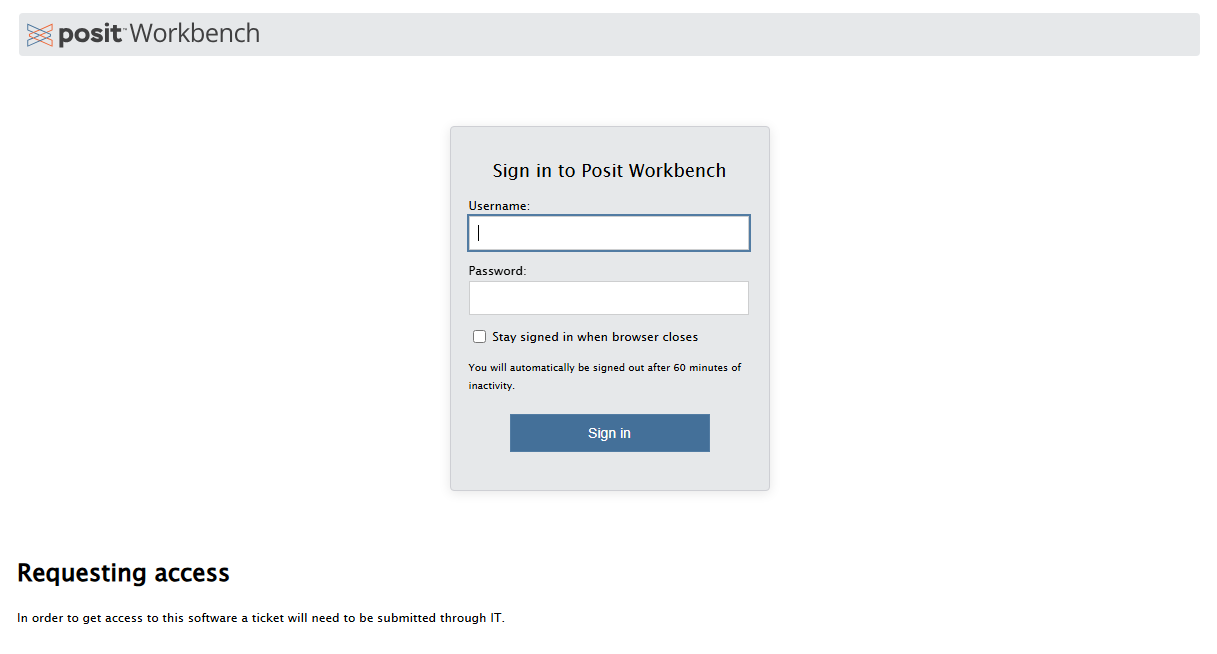
This results in a login page with the information appended at the bottom:
With more jazz
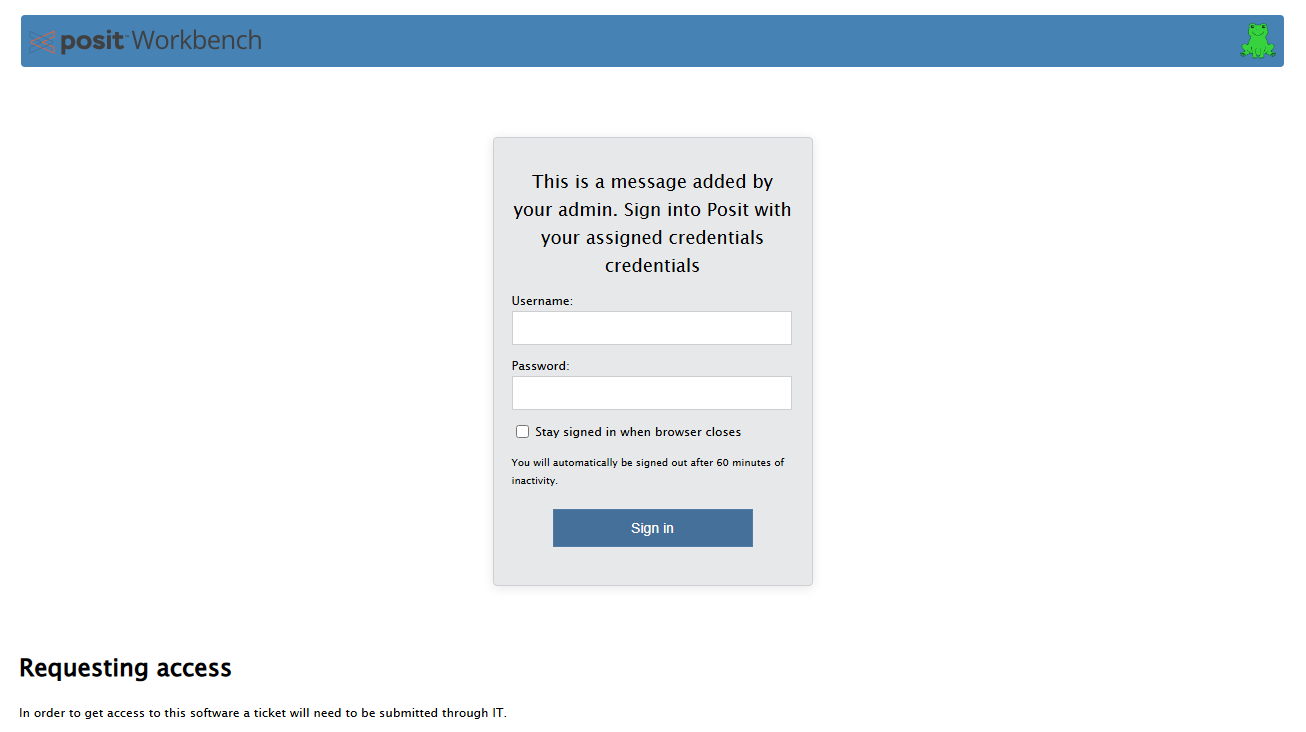
If we append the instructions on the support article and add a logo to /usr/lib/rstudio-server/www/images then we can jazz things up further.
Note there are already files/images in /usr/lib/rstudio-server/www/images and in this example instead of using logo.png we made a custom image called frog.png by downloading an image from the internet with: wget http://images.clipartpanda.com/frog-clip-art-frog_green.png -O /usr/lib/rstudio-server/www/images/logo.png
/etc/rstudio/login.html:
<!DOCTYPE html>
<html>
<head>
</head>
<body>
    <h1>Requesting access</h1>
    <p>In order to get access to this software a ticket will need to be submitted through IT.</p>
</body>
</html>

<script type="text/javascript">
window.onload=function(){

var logo = document.createElement("img");
logo.setAttribute("src","images/frog.png");
logo.setAttribute("height", "36px");
logo.setAttribute("width", "36px");
logo.setAttribute("style", "float: right;");
document.getElementById("banner").appendChild(logo);

var cap = document.getElementById("caption_header");
cap.innerHTML = "This is a message added by your admin. Sign into Posit with your assigned credentials credentials";
}
</script>

<style>
#banner {background-color: #4682b4;}
#caption {border-bottom-color: #4682b4;}
</style>
This results in a login page with information appended at the bottom as well as custom coloring and a logo and the header for the login blurb changed: